Skip to content

Slicing

A Series is a four-dimensional NumPy array with shape (t, z, y, x). Using standard NumPy indexing, you can extract individual time steps, two-dimensional slices, or three-dimensional subvolumes. These operations allow you to select specific regions of simulation data for further processing or visualization.

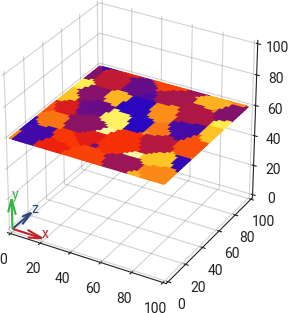
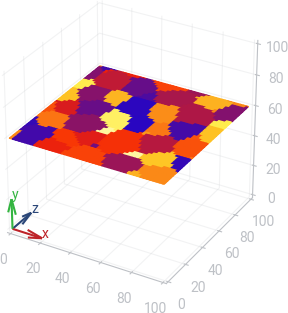
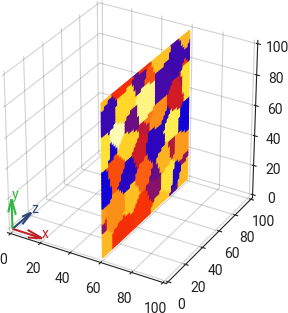
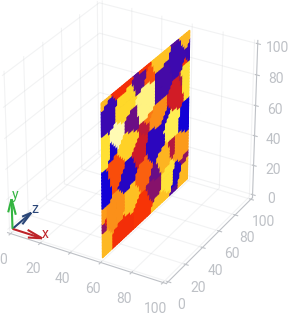
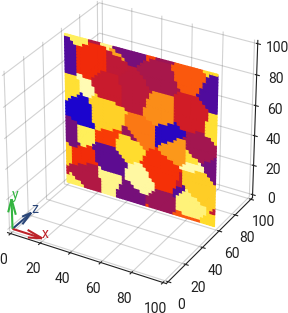
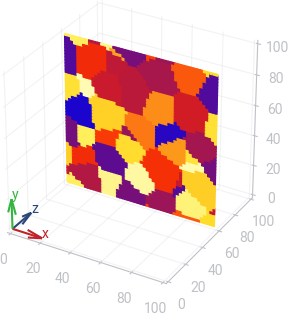
The following examples demonstrate how to extract 2D slices of the 3D field at the initial time step.
from micpy.bin import read

series = read("A005_Grain_Growth_Misorientation_3D.korn")
slice_z = series[0, 60, :, :] # t=0, z=60

from micpy.bin import read

series = read("A005_Grain_Growth_Misorientation_3D.korn")
slice_y = series[0, :, 60, :] # t=0, y=60

from micpy.bin import read

series = read("A005_Grain_Growth_Misorientation_3D.korn")
slice_x = series[0, :, :, 60] # t=0, x=60

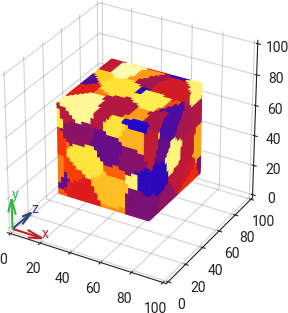
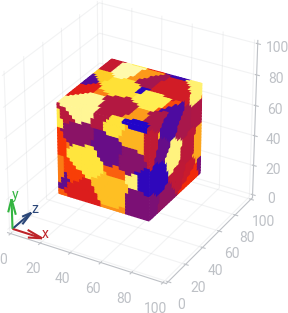
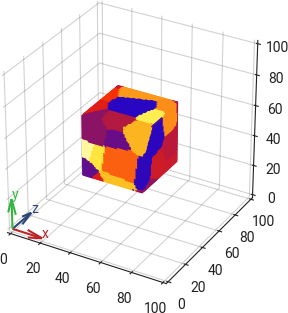
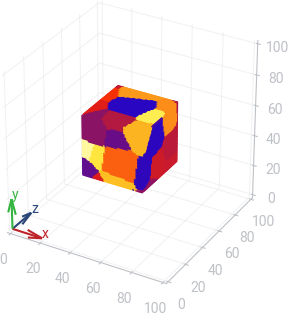
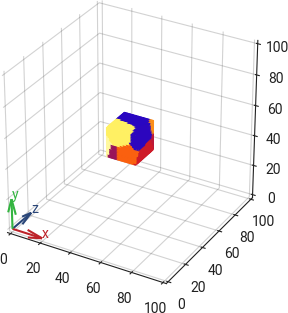
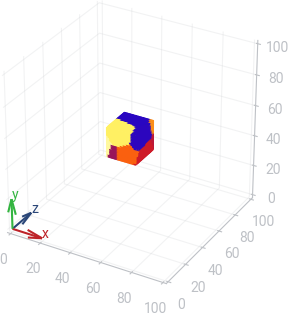
In the same way, you can extract 3D volume elements by specifying the time step and the range of indices along each axis.

from micpy.bin import read

series = read("A005_Grain_Growth_Misorientation_3D.korn")
cube_60 = series[0, 20:80, 20:80, 20:80] # t=0, z=[20,80], y=[20,80], x=[20,80]

from micpy.bin import read

series = read("A005_Grain_Growth_Misorientation_3D.korn")
cube_40 = series[0, 30:70, 30:70, 30:70] # t=0, z=[30,70], y=[30,70], x=[30,70]

from micpy.bin import read

series = read("A005_Grain_Growth_Misorientation_3D.korn")
cube_20 = series[0, 40:60, 40:60, 40:60] # t=0, z=[40,60], y=[40,60], x=[40,60]