3D Rendering
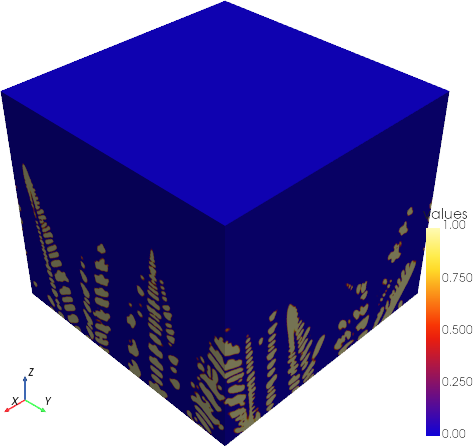
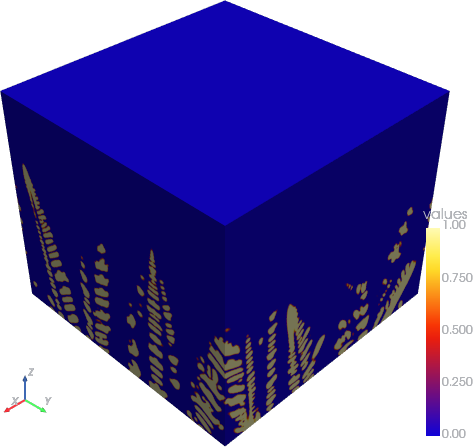
This section demonstrates how to render MICRESS field data in 3D using MicPy.
While Field.plot() is suitable for quick 2D inspection, more advanced visualization, such as slicing, isosurfaces, and custom camera views, can be achieved by converting the data to VTK ImageData (vtkImageData) and using a VTK-based library like PyVista.
Minimal Example
from micpy.bin import read
import pyvista as pv

# Read a field (e.g. the last time step of a phase fraction)
field = read("A019_01_MgAl6_D_Dendritic_3D_Lin.frac", -1)

# Convert the field to VTK ImageData object
vti = field.as_vti()

# Render the VTK ImageData using PyVista
pv.plot(vti, cmap="micpy")
Extracting Slices
# Wrap the VTK ImageData object in a PyVista DataImage object
img = pv.wrap(vti)

# Create a slice along the x-axis
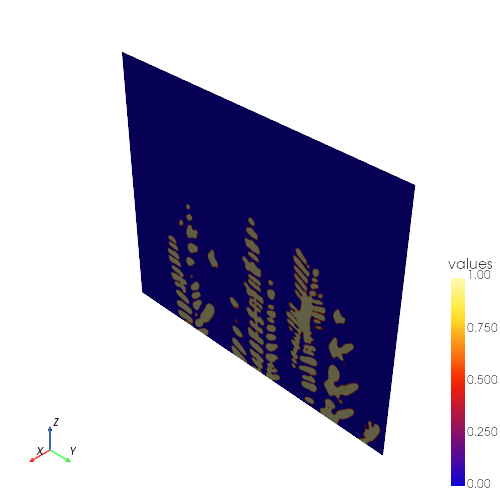
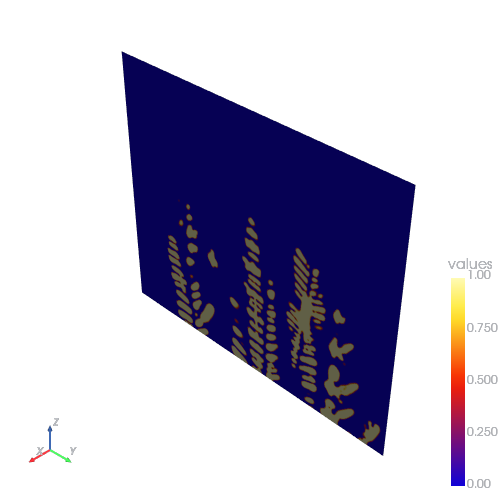
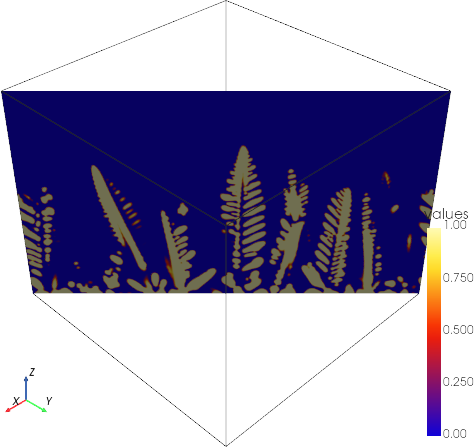
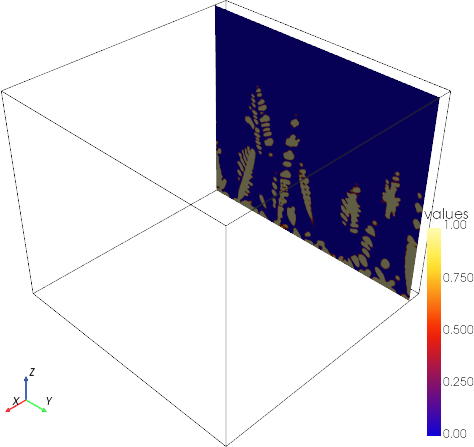
sl = img.slice(normal="x")

# Render the slice with the MicPy colormap
pv.plot(sl, cmap="micpy")
# Wrap the VTK ImageData object in a PyVista DataImage object
img = pv.wrap(vti)

# Create a slice along the y-axis
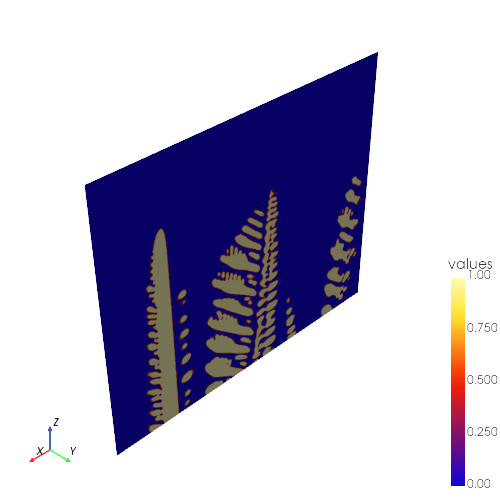
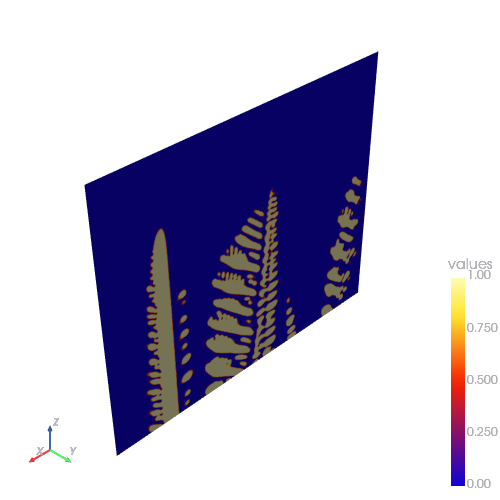
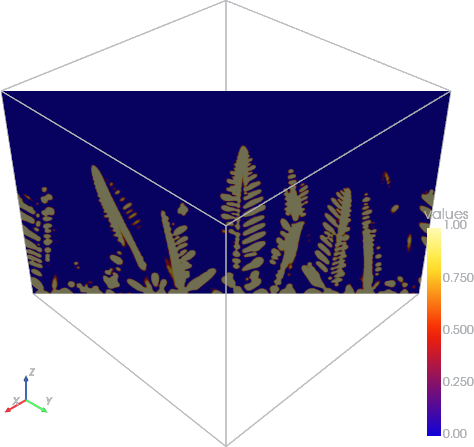
sl = img.slice(normal="y")

# Render the slice with the MicPy colormap
pv.plot(sl, cmap="micpy")
# Wrap the VTK ImageData object in a PyVista DataImage object
img = pv.wrap(vti)

# Create a slice along the z-axis
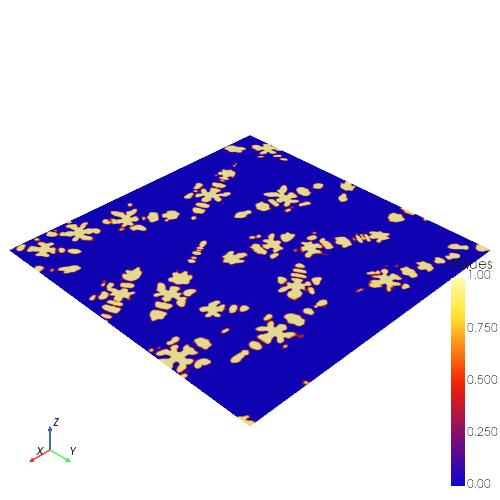
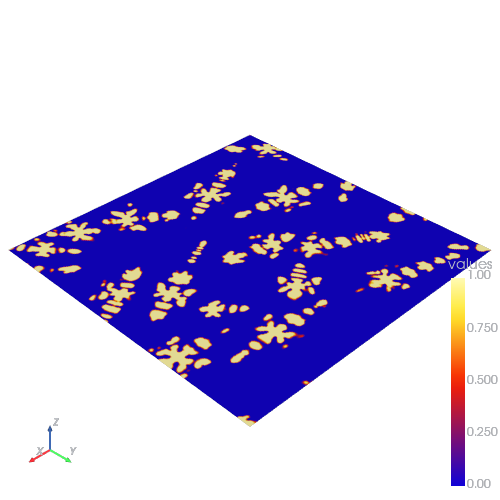
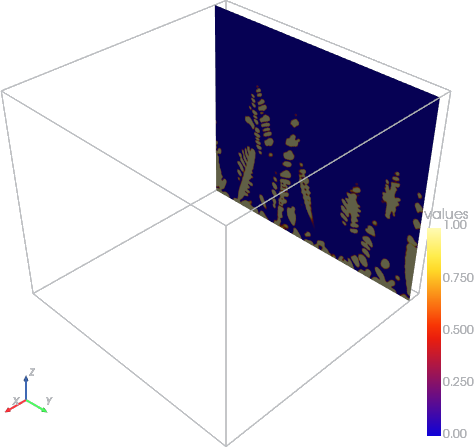
sl = img.slice(normal="z")

# Render the slice with the MicPy colormap
pv.plot(sl, cmap="micpy")
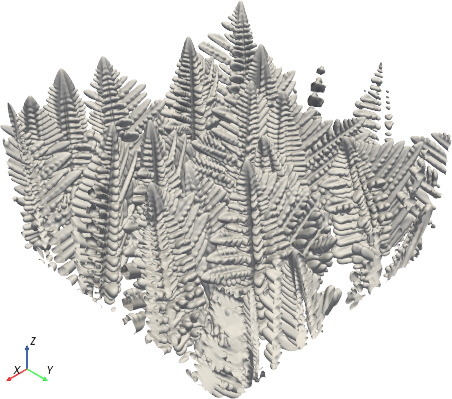
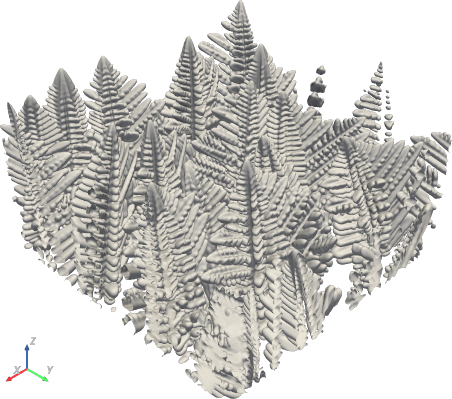
Visualizing an Isosurface
# Extract point data instead of cell data
vti_points = field.as_vti(point_data=True)

# Wrap the VTK ImageData object in a PyVista DataImage object
img = pv.wrap(vti_points)

# Create an isosurface at 0.5 to visualize the phase boundaries
surface = img.contour(isosurfaces=[0.5])

# Render the isosurface with a grayscale colormap and no scalar bar
pv.plot(surface, cmap="Greys", show_scalar_bar=False)
Customizing the View
# Create a PyVista plotter and add the isosurface
plotter = pv.Plotter()
plotter.add_mesh(surface, cmap="Greys", show_scalar_bar=False)

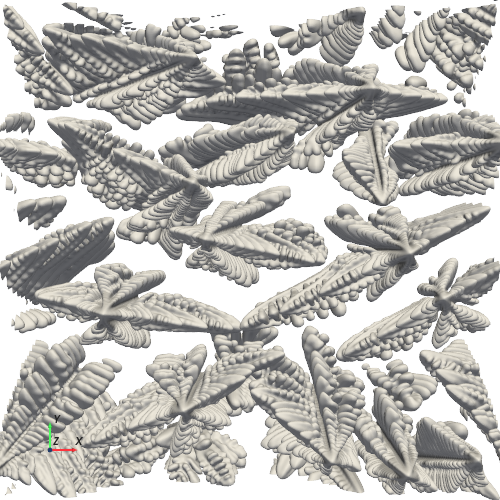
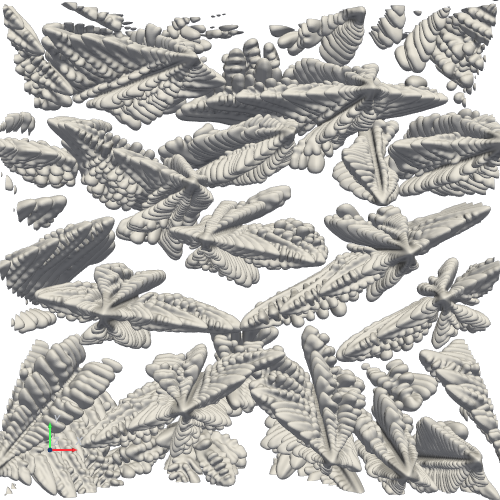
# Set the camera position to view along the xy-plane and zoom in by a factor of 1.33
plotter.camera_position = "xy"
plotter.camera.zoom(1.33)

# Optional: Adjust the camera angles (azimuth, elevation, roll)
# plotter.camera.azimuth = 180
# plotter.camera.elevation = 90
# plotter.camera.roll = 45

# Enable axes and show the plot
plotter.show_axes()
plotter.show()
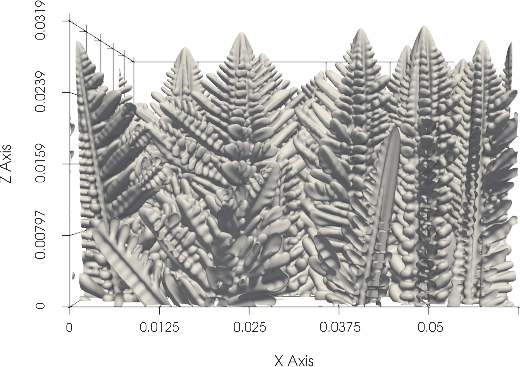
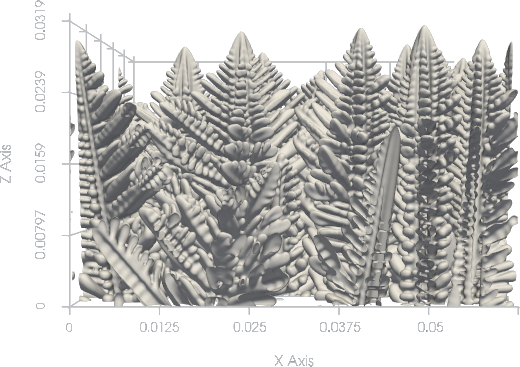
Adding Bounds
# Create a PyVista plotter and add the isosurface
plotter = pv.Plotter()
plotter.add_mesh(surface, cmap="Greys", show_scalar_bar=False)

# Set the camera position to view along the xz-plane
plotter.camera_position = "xz"

# Add bounds with tick labels
plotter.show_bounds(grid="back", location="outer", ticks="outside", fmt="%.3g")

# Show the plot
plotter.show()
Sampling Data
from micpy.bin import read
import pyvista as pv

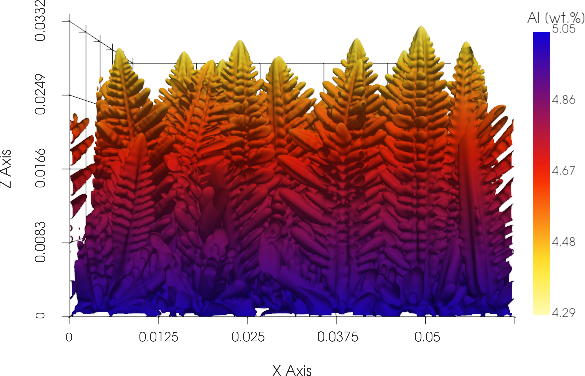
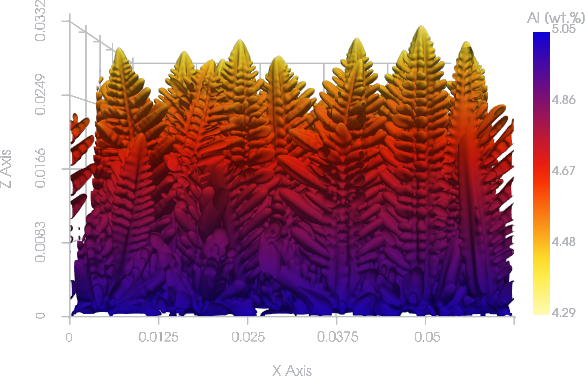
# Read the phase fraction and concentration fields as VTK ImageData with point data
frac = read("A019_01_MgAl6_D_Dendritic_3D_Lin.frac", -1).as_vti(point_data=True)
conc = read("A019_01_MgAl6_D_Dendritic_3D_Lin.concAl", -1).as_vti(point_data=True)

# Extract the isosurface from the phase fraction field
surface = pv.wrap(frac).contour(isosurfaces=[0.5])

# Sample the concentration values at the points of the isosurface
surface_sampled = surface.sample(conc)

# Render the sampled isosurface with the MicPy colormap and a custom scalar bar
pv.plot(
    surface_sampled,
    cmap="micpy_r",
    scalar_bar_args=dict(title="Al [wt.%]", vertical=True, position_y=0.25, height=0.5),
)
Animating the Evolution
from micpy.bin import read
import pyvista as pv

# Define the filename to visualize
filename = "A019_01_MgAl6_D_Dendritic_3D_Lin.frac"

# Extract bounds from the last time step for consistent axes across frames
bounds = (
    pv.wrap(read(filename, -1).as_vti(point_data=True))
    .contour(isosurfaces=[0.5])
    .bounds
)

# Create a PyVista plotter for off-screen rendering
pl = pv.Plotter(off_screen=True, window_size=(608, 608))

# Add bounds to the plotter
pl.show_bounds(
    bounds=bounds, grid="back", location="outer", ticks="outside", fmt="%.3g"
)

# Open a movie file to write the animation frames
pl.open_movie(f"animation.mp4", framerate=8, quality=9)

# Define a variable to hold the mesh object to be displayed per time step
mesh = None

# Loop through the time steps
for i, field in enumerate(bin.open(filename)):
    # Skip the first time step
    if i == 0:
        continue

    # Extract the isosurface for the current time step
    surface = pv.wrap(field.as_vti(point_data=True)).contour(isosurfaces=[0.5])

    # Add the isosurface as a mesh to the plotter
    mesh = pl.add_mesh(surface, scalars="values", cmap="Greys", show_scalar_bar=False)

    # Set the camera position to view the xz-plane
    pl.camera_position = "xz"

    # Render the current frame and write it to the movie file
    pl.render()
    pl.write_frame()

    # Remove the mesh for the next iteration
    pl.remove_actor(mesh)

# Finalize the movie file and close the plotter
pl.close()